15 · Power Tools
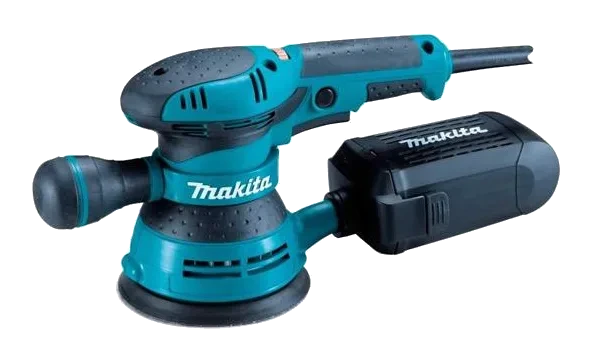
Orbital Sander
A sander whose circular pad moves in an orbit for an even, swirl-free finish on wood, metal and plastic.
15 · Power Tools
Also called Electric planer · Hand planer
A handheld planer that shaves thin layers off wood to flatten boards, trim doors and chamfer edges.
Electric (corded)A power planer runs a spinning cutter block between two flat shoes, shaving a thin, even layer off a wooden surface with every pass.
We rent a standard planer and a 4-3/8 in that takes a wider cut per pass.
Trimming a sticking door, flattening joists and beams, chamfering edges, and scribing boards to fit an uneven wall.
Set a shallow depth and take several passes rather than one deep cut. Start each pass with the pressure on the front shoe and finish with it on the rear shoe — that is what stops the planer dipping at the beginning and the end of a board.
Typical figures for this class of machine. Check the data plate before promising a customer.
Reference draft — always follow the manufacturer’s manual.
Reference draft — always follow the manufacturer’s manual.
A damaged cord or plug means the tool is out of service. Tag it and return it — never tape a cord.
Reference draft — always follow the manufacturer’s manual.
Reference draft — always follow the manufacturer’s manual.
Heavy sparking from the vents or a burning smell that returns points to worn brushes or a failing motor — workshop only.
Reference draft — always follow the manufacturer’s manual.
No fixes match this symptom.
15 · Power Tools
A sander whose circular pad moves in an orbit for an even, swirl-free finish on wood, metal and plastic.
15 · Power Tools
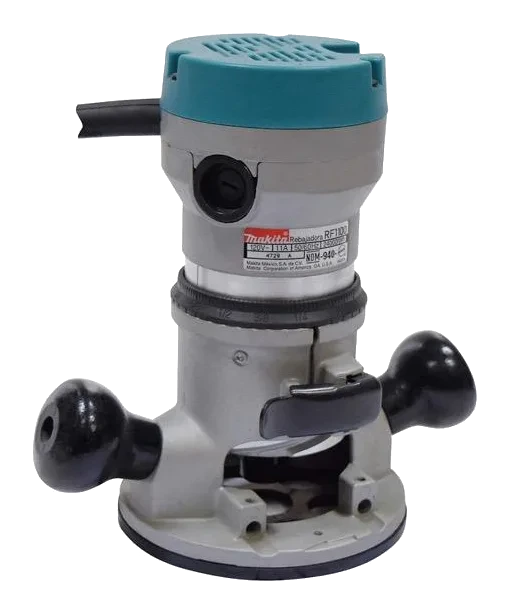
A high-speed cutting tool for shaping edges, grooves, dados and moulding profiles in wood.
18 · Saws
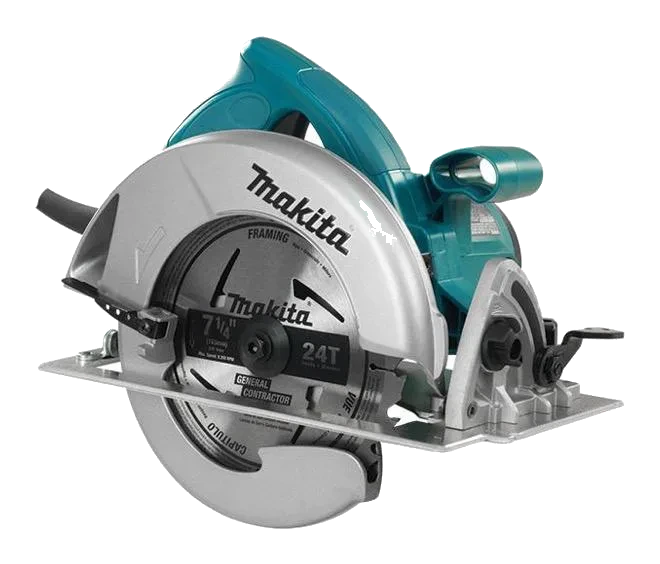
A handheld saw for fast, straight cuts in lumber, plywood, sheet goods, plastic and — with the right blade — metal.
Always follow the manufacturer’s manual and site safety rules. Favourites and viewing history are stored on this device.